Installation
Overview
This document shows how to install ECU Tracker on your computer.
- Author
DanielD/Shan/Abhijit/
- Date
Nov 01, 2021
- Version
7.4.0
How and Where to Install
Manual Install
- To install the FF ECU Tracker:
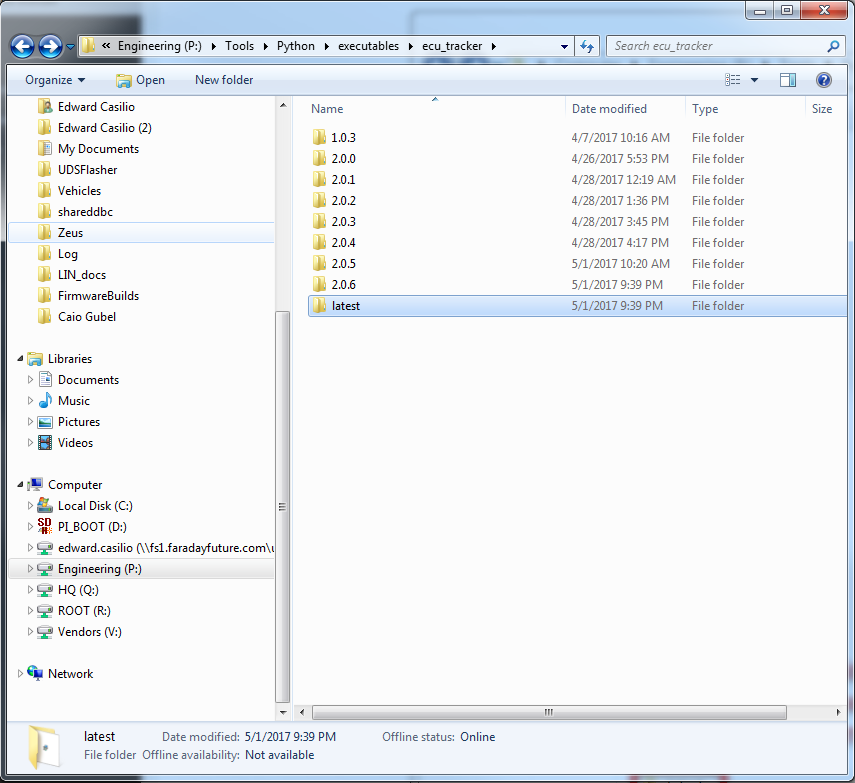
Go to
P:\Tools\Python\executables\ecu_trackerSelect the folder labeled
latestand copy this folder to your local drive.Inside the folder, run the .msi file to start installation.
The installer creates shortcut to FF ECU Tracker in the start menu.
Tool Auto Update
New in version 2.0.7.
- Every time you open the tool, it will check for a new version.
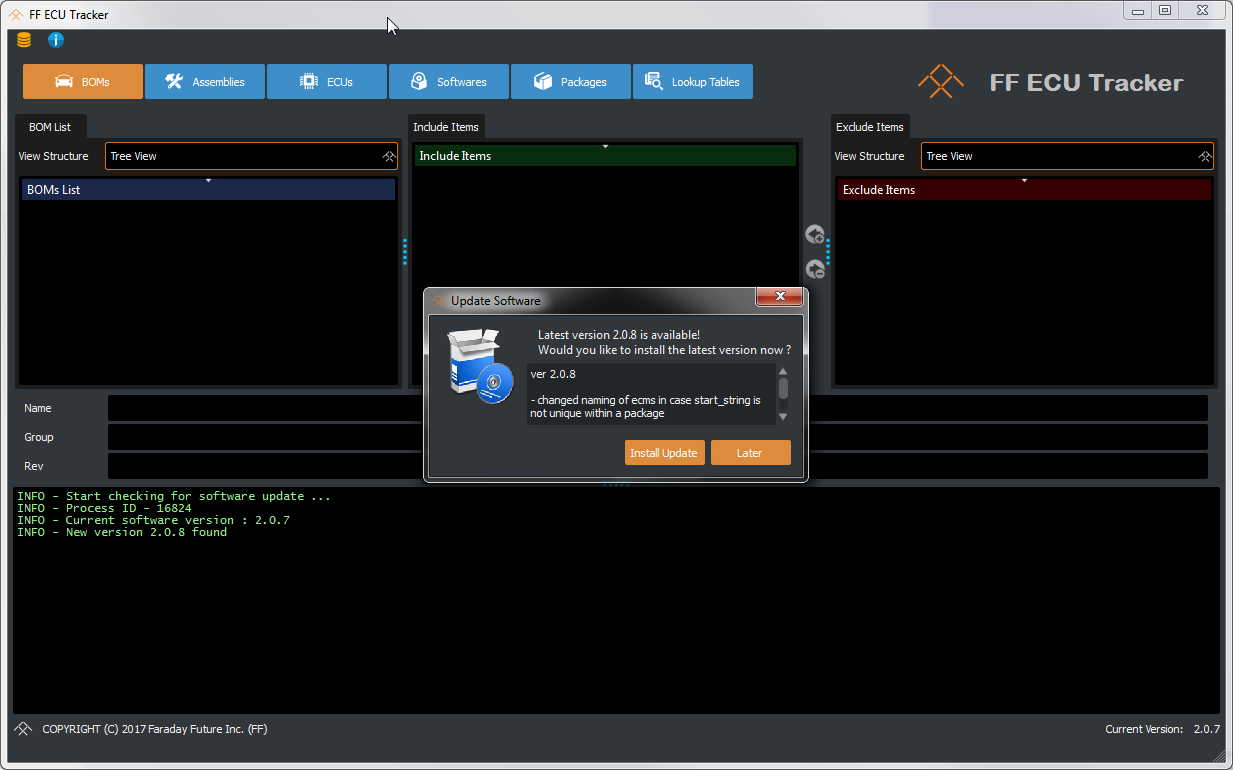
If it does find something new it will show a pop-up with what’s new.
You can choose to update later.
It will also periodically check for a new version every hour.
You can also manually check for a new version by clicking check update from menu bar.
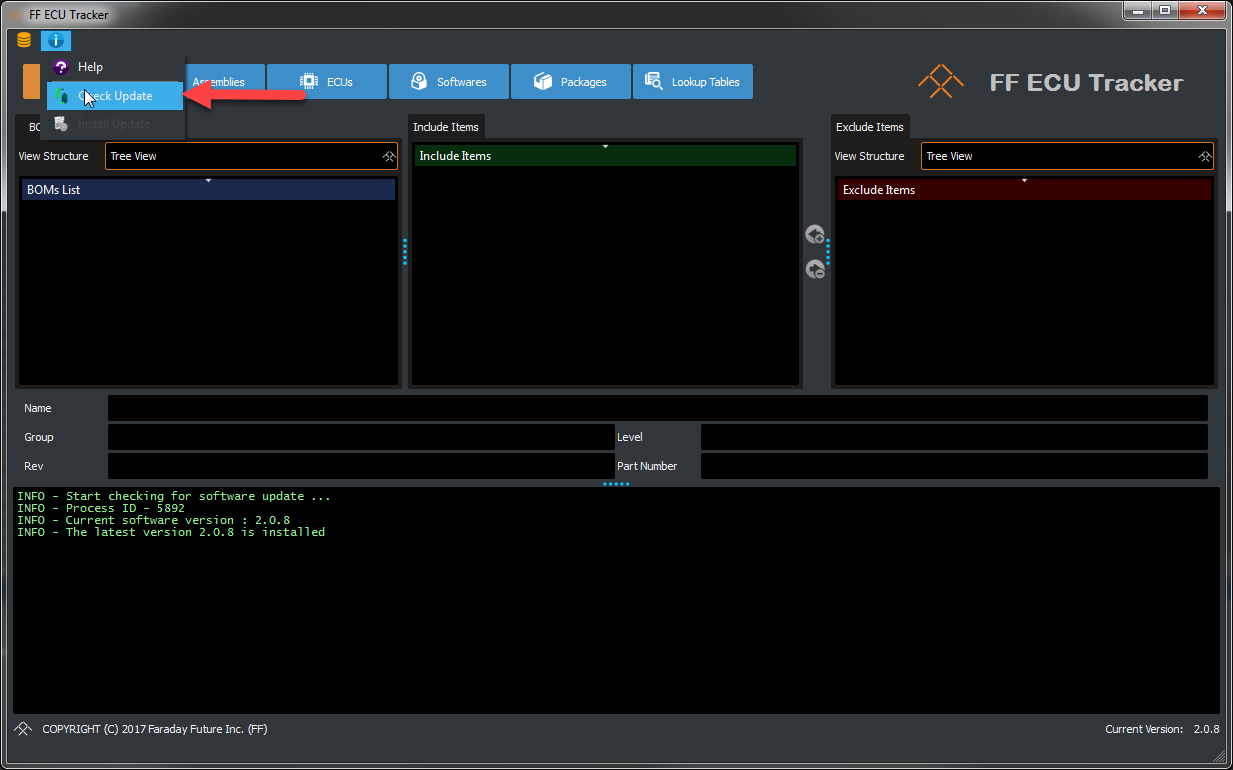
The install update is only enabled if the tool finds a new version.
- Once you select install update
The tool will first copy the new installer locally.
This may take time depending on your connection speed.
Once done it will open a command prompt and run auto update script, the script will wait for the current ECU_Tracker to close.
It will also try to close your application, make sure you are ready and click ok.
Once closed, the script will start installer for the new version.
Select all default settings.
Once installed it will open up the new version for you.