Miscellaneous Features
Overview
This document shows miscellaneous features of the ECU Tracker.
- Author
DanielD/Shan/Abhijit/
- Date
Nov 01, 2021
- Version
7.4.0
Contents:
Copy Pasting Software
This is to add a new software from another software in the software tab
To start, select a software as shown in the gif below.
Right Clickon the software and selectCopy Software.Now select anywhere in that window and
Right Clickand selectPaste Software.- The new copied software is same as the other software except:
The name has
_Copyat the end.Builtfield is set to False.Versionif defined is changed to MM.mm format.File Pathis cleared.
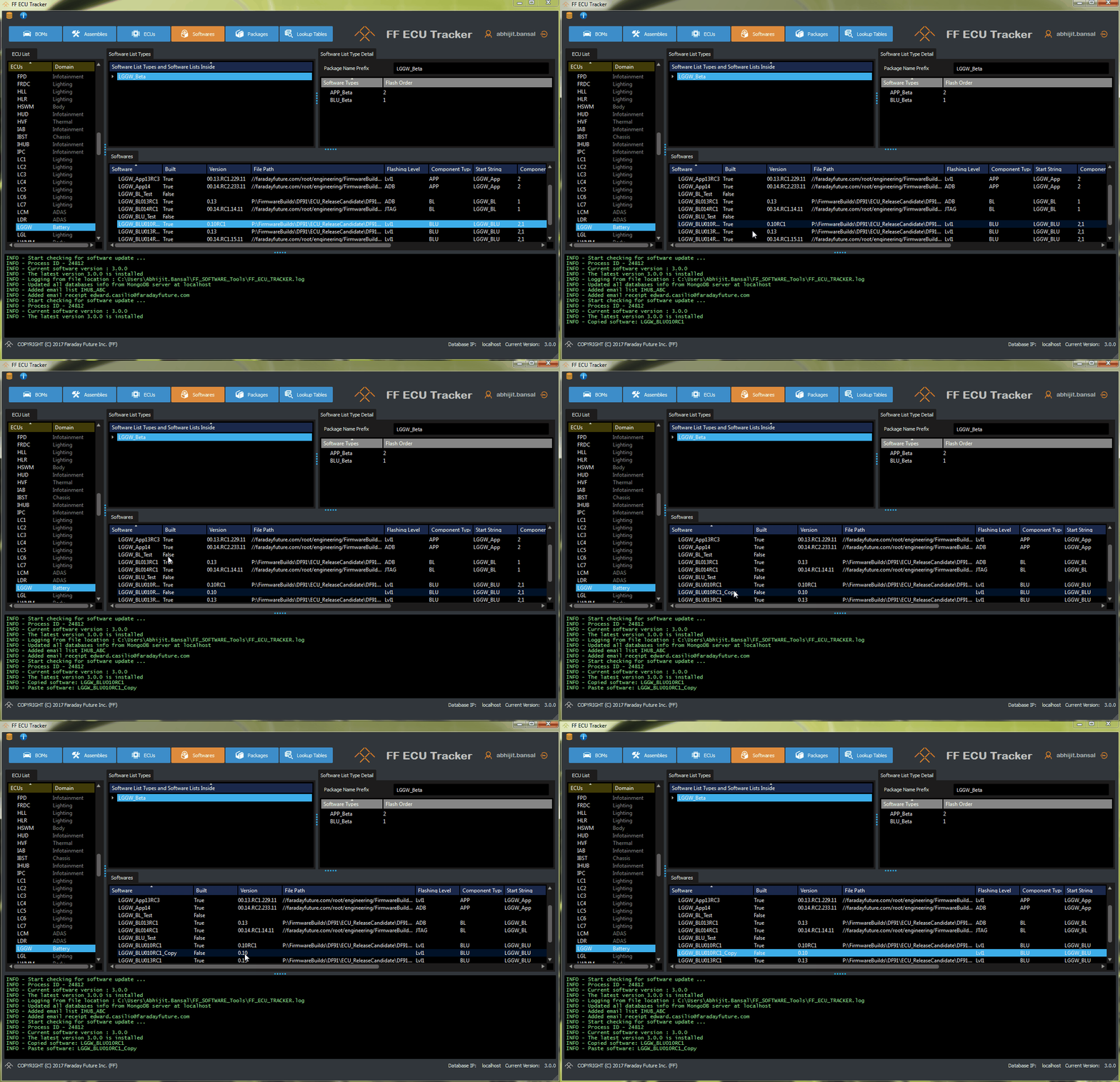
A gif showing how to copy software
Change Window Style
Users can now choose between 2 different window styles
Dark Style
Bright Style
To change your window style, go to and select the style you want.
Note
ECU Tracker will restart when you change your window style. A window prompt will appear asking to restart.
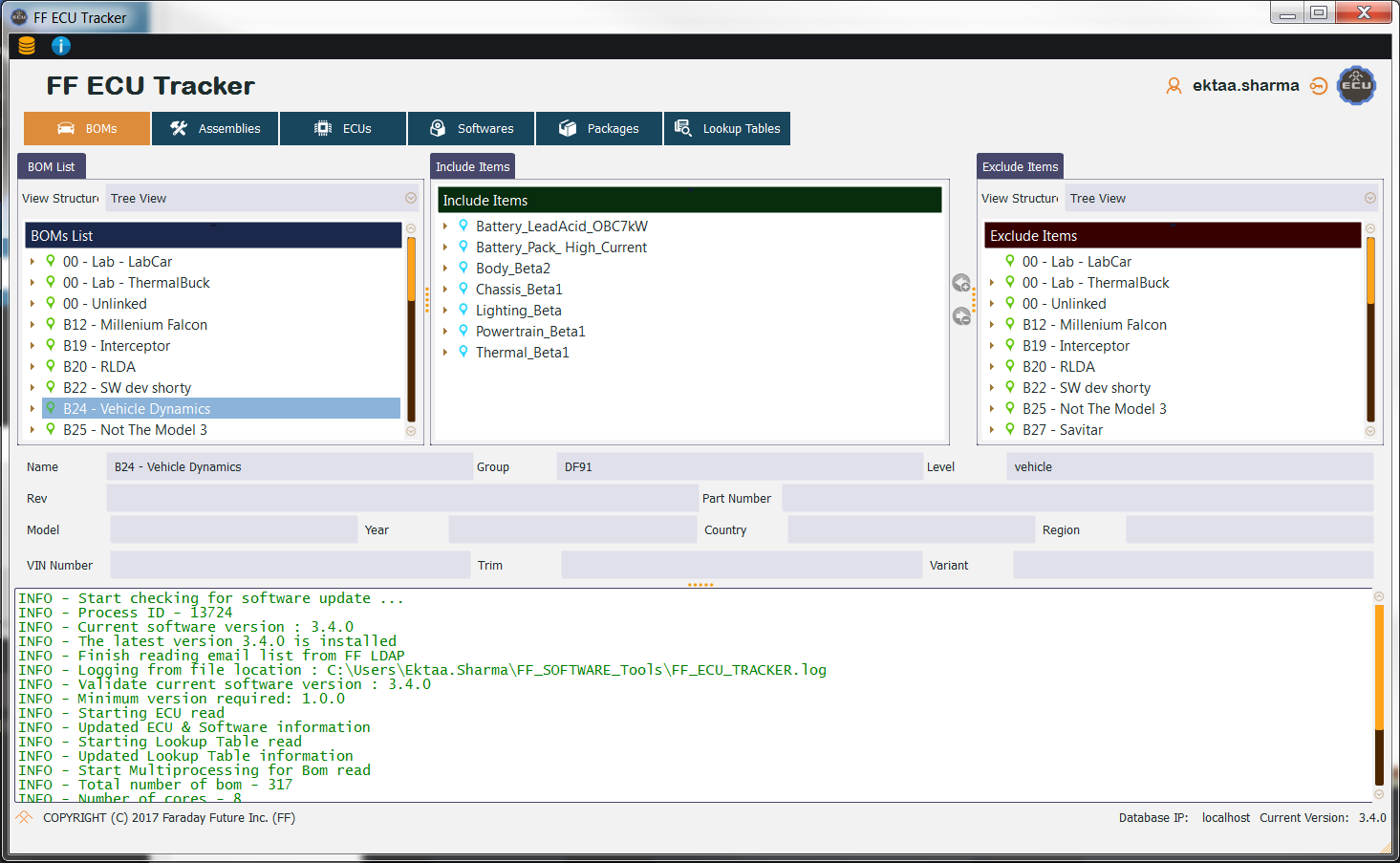
Bright Style
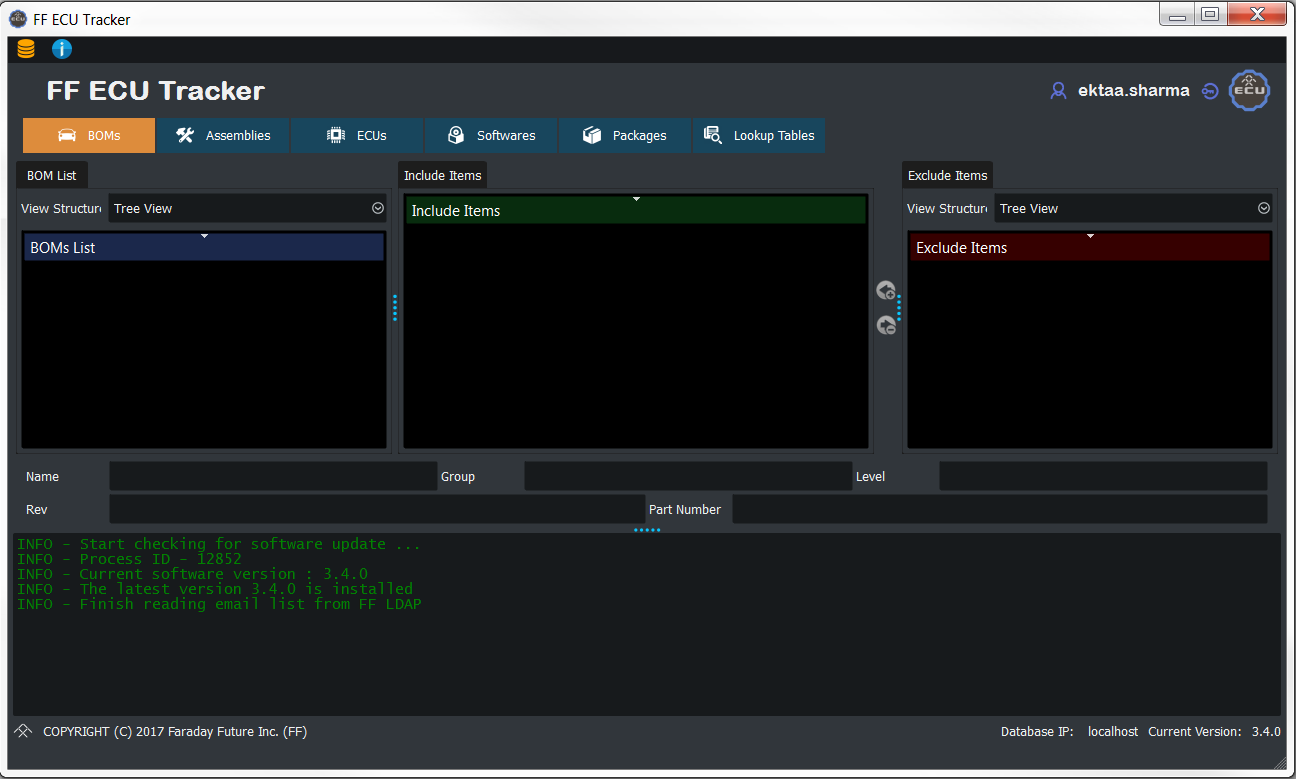
Dark Style
CPKG Manifest Viewer
Note
The feature is support with ECU Tracker version 6.2+
This is a feature to view the decoded format for Manifest cpkg file.
This feature is better supported with NotePad++ installed.
temp_decode_message.txt is the raw message content.
temp_decode_secured.txt is message wrapped with secured information.
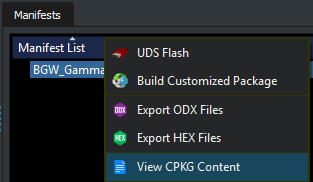
To use this feature please right click on the manifest you want to decode.